Lesson 6 of 6 · 9 min
Your first 30 days: from idea to first user
A week-by-week plan to go from a chosen idea to a working first version and a real user in 30 days, with a final checklist and pointers to the build and launch tracks.
You picked an idea. Now give it 30 days. Not 30 days of planning — 30 days of doing. This lesson turns everything from the course into a simple weekly plan: commit, build small, launch, and get one real user. Founders in this library did it in hours, days, or weeks. You can too.
14 days
Days to first version
42 days
Days to first version
$42K/mo
Reported monthly revenue
$15K/mo
Reported monthly revenue
Notice the pattern in those numbers. The founders who moved fastest did not wait for a perfect product. Brian Shin built a lightweight prototype in a week or two. Louis Pereira shipped in 12 hours. Dmytro Krasun spent five months on his first version and later called it a mistake — today he launches in a month or less. Thirty days is generous. The plan below uses all of them.
- 01Days 1–7: CommitLock the idea, set a commitment metric, talk to real people
- 02Days 8–14: Build smallOne core feature, simplest version, no polish
- 03Days 15–21: LaunchPut it online, tell your network, post daily
- 04Days 22–30: First userDirect outreach, listen, fix, ship again
Week 1 (days 1–7): commit and confirm
Step 1: Write your idea in one sentence
Day 1Who it is for, what problem it solves, in plain words. If you cannot say it simply, you are not ready to build it.
Step 2: Set a commitment metric
Days 1–2Brian Shin required ten confirmed event hosts to agree to use his product before writing any code. Pick your own number and write it down.
Step 3: Exhaust your personal network
Days 3–5Brian opened X, LinkedIn and Instagram in three tabs and messaged people directly. Do the same. Tell them what you are building and ask if they would use it.
Step 4: Find strangers who match your user
Days 5–7Nick says find your ideal customer wherever they are: Reddit, X, Facebook groups, YouTube, TikTok. Talk to at least five strangers, not just friends.
“I did two things to validate our productand to get the first customers. Most obviously thing that you can do is justgo through your personal network.”
Week 2 (days 8–14): build the smallest version
Step 1: Cut to one core feature
Days 8–9Ben Bozzay's advice: distill the product to the core feature set and do not over complicate it. One feature that solves one problem. Everything else waits.
Step 2: Sketch the screens first
Day 9Louis Pereira designed his interface in Figma before writing code, so the flow was clear. Even paper sketches work. Decide what the user sees, step by step.
Step 3: Build with tools you already know
Days 9–13Pontus reused an existing design system and picked tools he could run without servers. Use what you know. New tools can wait until after launch.
Step 4: Skip the polish
Days 10–14Kyan's rule: do not spend hours picking a logo. Dmytro now launches without payments or notifications at first. Ugly and working beats pretty and unfinished.
Step 5: Test with close friends
Day 14Before launching, Dmytro shares the product with close friends for clicking and testing that nothing breaks. Do a private test first, fix what fails.
Week 3 (days 15–21): launch in public
Step 1: Put it on the internet
Day 15Kyan: ship V1 on the web right now, put it on the internet and charge money for it. A live link you can share is the whole goal of this week.
Step 2: Tell people what you are building
Days 15–21Louis shared his designs and process on Twitter while building, and early testers bought before his 12-hour window closed. Share your progress, not just the finished thing.
Step 3: Post every single day
DailyKyan says this is where most people quit — they build a great product and stop posting. One short post a day: what you built, what you learned, who it helps.
Step 4: Make the first 20 seconds count
Day 16 onwardYasser minimized the seconds to the aha moment in his demo. Show what your product does immediately, in a simple screen recording, before any explanation.
“Don't spend hours picking a logo, don't polish anything, just build something, put it on the internet and charge money for it.”
Week 4 (days 22–30): get your first real user
Step 1: Reach out directly
Days 22–25Dmytro: if you can get access to potential paying customers directly, just go to them and reach out. Ten personal messages beat a hundred posts.
Step 2: Treat the first user like an employer
Days 25–28Nick's rule: treat the first customer as an employer and ship their feedback the same day. Their complaints are your to-do list.
Step 3: Fix, ship, repeat
Days 28–30Hassam's advice: get it in front of at least 10 people, listen to their feedback, iterate, and ship again. If it does not work, repeat the loop.
Step 4: Write down what you learned
Day 30What did users actually do? What did they ask for? Brian warns your assumptions may go to nothing once real users arrive — that is normal and useful.

Case study
Louis Pereira failed with about 15 projects, then shipped Audio Pen in 12 hours
What they did first
- Shared his designs and building process on Twitter while making five small tools
- Spotted that one tool got far more love than expected — a clear signal
- Put a price tag on the simplest full version and launched a waitlist
- Got paying subscribers before the 12-hour build window even closed
Take this with you
Your 30 days are not about one perfect shot. Build small, share in public, watch for the signal, then put a price on it.
A slow first month
- Weeks spent picking a name, logo and colors
- Building every feature before anyone sees it
- Launching silently to zero feedback
- Waiting for the product to feel perfect
Your 30 days
- One sentence idea and a commitment metric in week 1
- One core feature, tested with friends, in week 2
- Public launch with daily posts in week 3
- Direct outreach and same-day fixes in week 4
Day 30 checklist
- My idea fits in one plain sentence
- I hit my commitment metric before building
- I spoke to at least five strangers who match my user
- My first version does one thing well
- At least 10 real people have tried it
- I posted about it in public during launch week
- I fixed at least one thing a user asked for
- I know what my users want next
Your turn
20 minFill in your 30-day calendar
Take a sheet of paper or a notes app and draw four rows, one per week. For each week, copy the goal from this lesson: commit and confirm, build the smallest version, launch in public, first real user. Under each goal, write the two or three specific actions you will take, with real dates. Add your commitment metric at the top. Put it somewhere you will see every morning.
What you'll have at the end
A one-page 30-day plan with dates, weekly goals and your commitment metric
Key takeaways
- Give your idea 30 days of doing, not planning — speed beats polish at the start
- Week 1: lock the idea, set a commitment metric, talk to real people
- Week 2: build one core feature with tools you already know
- Week 3: launch in public and post every day, even if it feels early
- Week 4: message users directly, ship their feedback fast, then start the build and launch tracks
Where this comes from

From Idea to $20K/Month App in 83 Days: The Validation Playbook
Brian Shin · Once
Watch on SuperBuilder

From Zero to $42K/Month in 90 Days with AI
CJ Zafir (Sajila Mazafir, known on X as CJZ) · CodeGuide
Watch on SuperBuilder
From side project to $15K a month: how Ben Bozzay quit his 9-to-5 job
Ben Bozzay · Tech Lockdown
Watch on SuperBuilder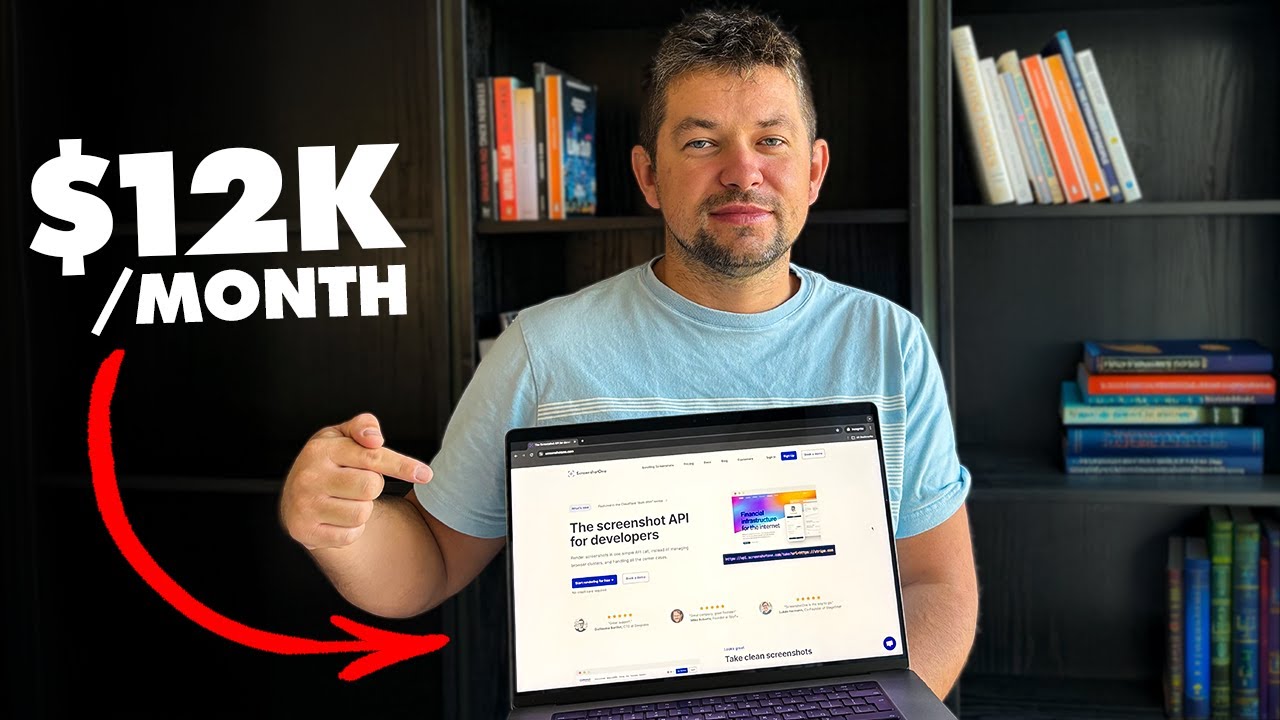
How Dmytro Krasun scaled a screenshot micro saas to $12K a month
Dmytro Krasun · ScreenshotOne
Watch on SuperBuilderFrom zero to $15K a month in 12 hours: the Audio Pen story
Louis Pereira · Audio Pen
Watch on SuperBuilder
My website makes $35K/month (built in 3 hours)
Pontus Abrahamsson · Cursor Directory
Watch on SuperBuilder

From $0 to $1M in 117 days: building an AI app to massive success
Yasser Elsaid · Chatbase
Watch on SuperBuilder
Builder Copilot
Knows this lesson · Your first 30 days: from idea to first user
Hi! I've read the whole Your first 30 days: from idea to first user lesson.
Ask how it applies to you: your budget, skills, city or idea. I'll point you to the parts of the lesson that matter.
Try asking
Your chats are saved, so Copilot remembers what you tell it.